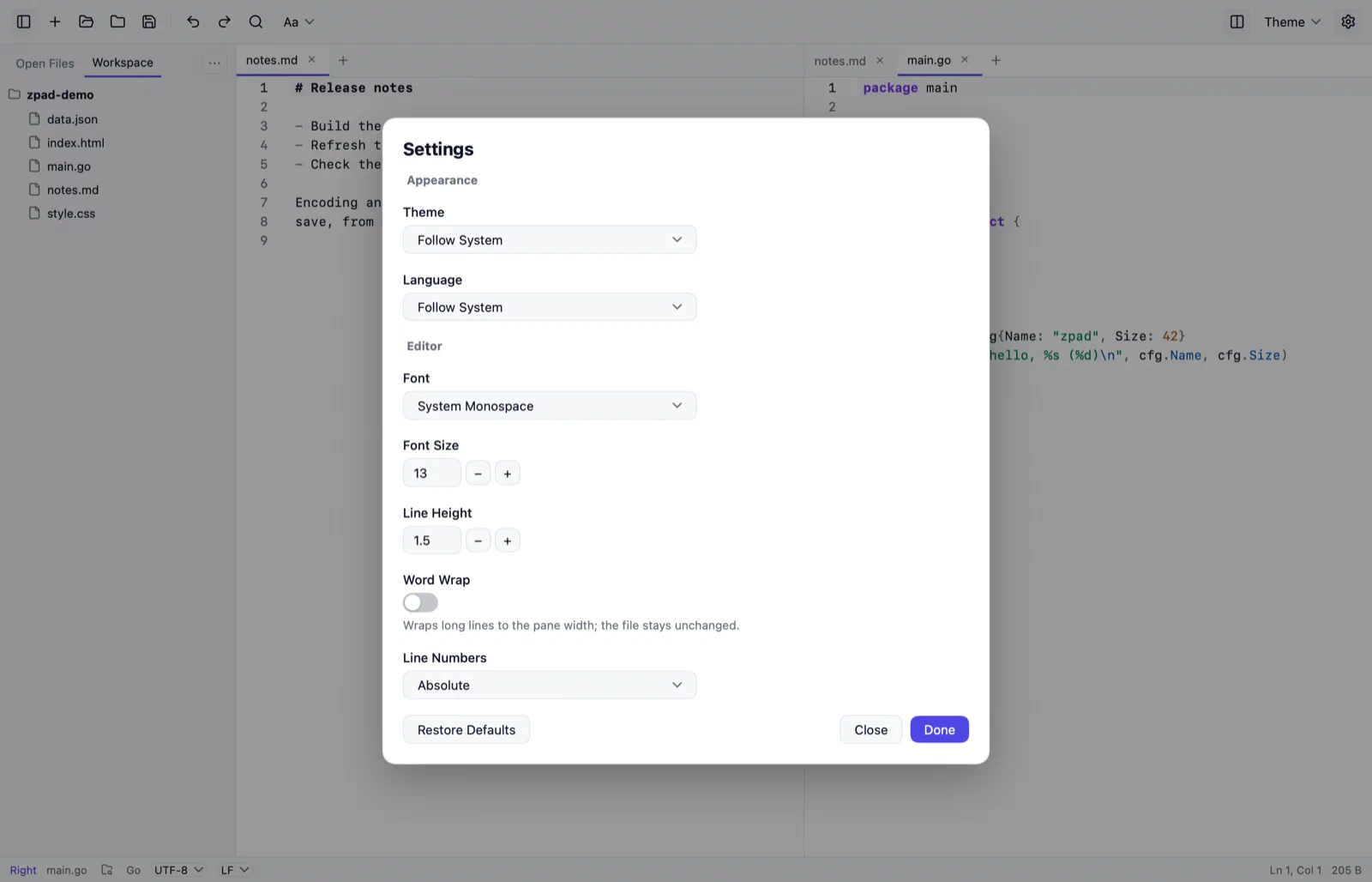
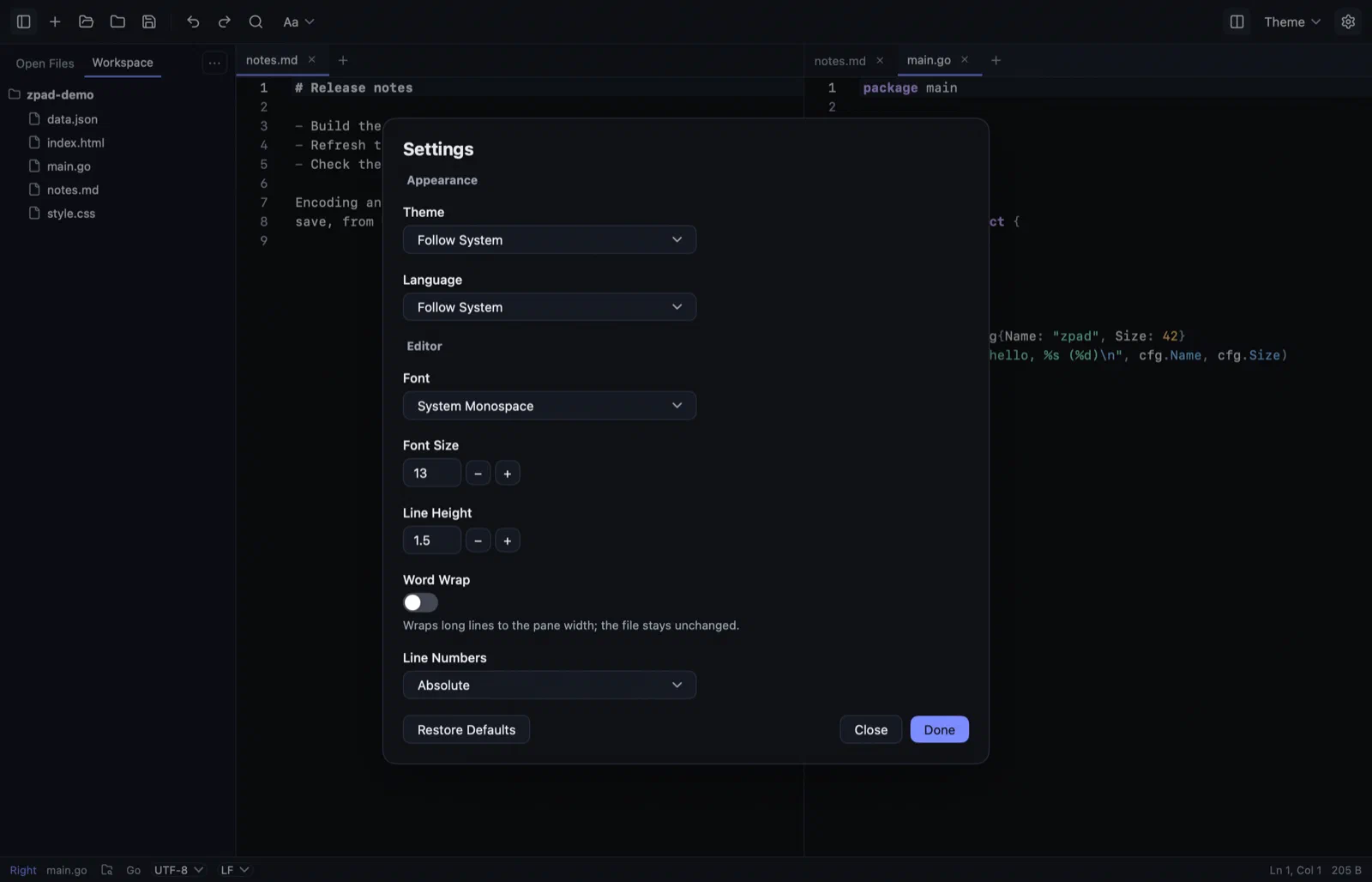
v0.3.2 is out

A lightweight, native, focused text editor

Split panes, multiple tabs, live Markdown preview. Drawn in Go — no WebView.

macOS and Windows · Linux coming soon
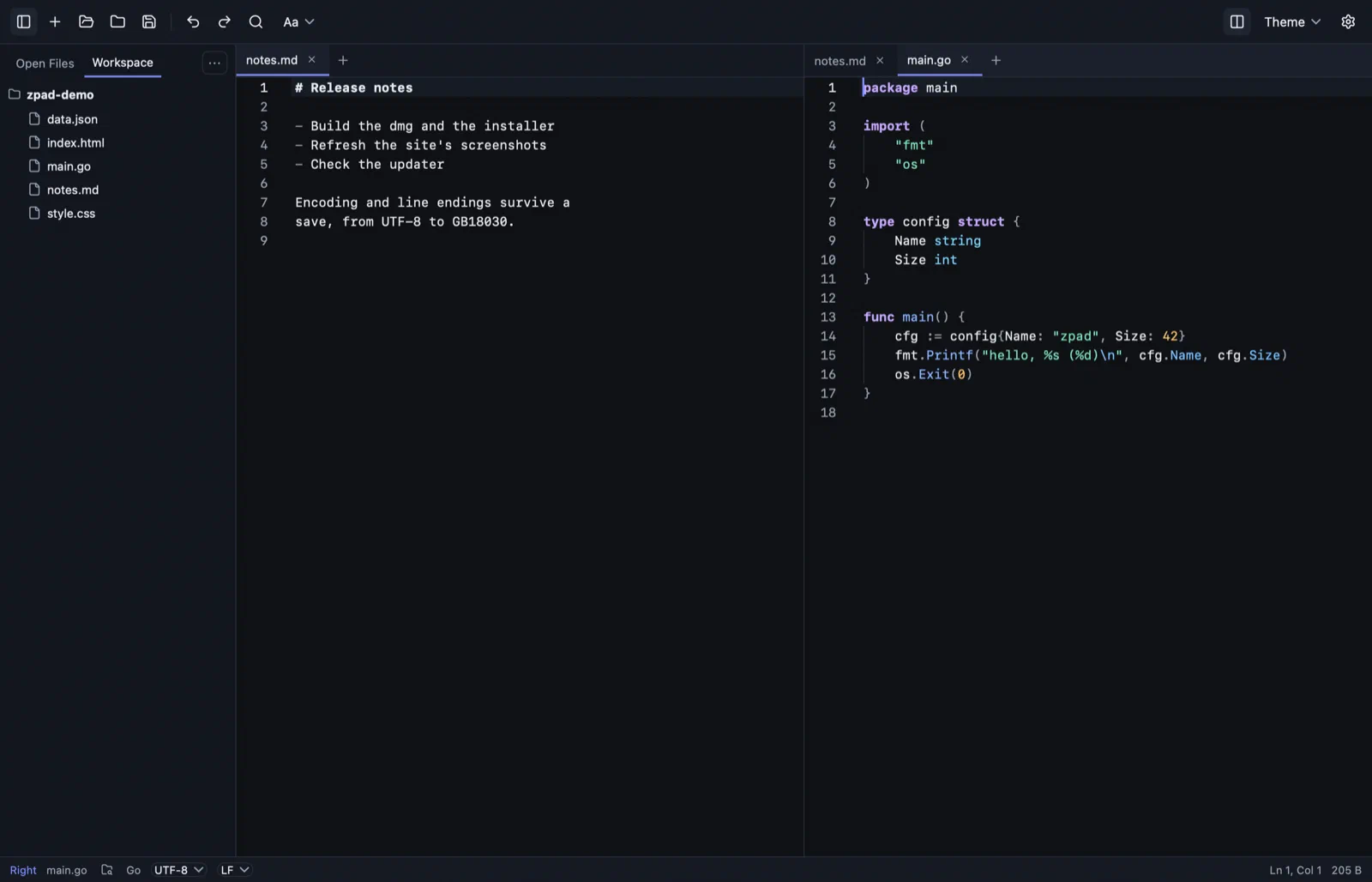
ZPad with Markdown on the left and Go code on the right

It does the editing, and only that

No plugins, no cloud sync, no Git, no AI, no WebView.

  • Light on memory

    Drawn natively: it starts fast and idles far below an Electron editor.

  • Many formats

    txt, md, json, go, html, css open with a double-click, highlighted by extension.

  • Split panes

    Two panes, each with its own tabs, one shared buffer.

  • Markdown preview

    Renders headings, lists, code blocks and local images natively.

  • Light and dark

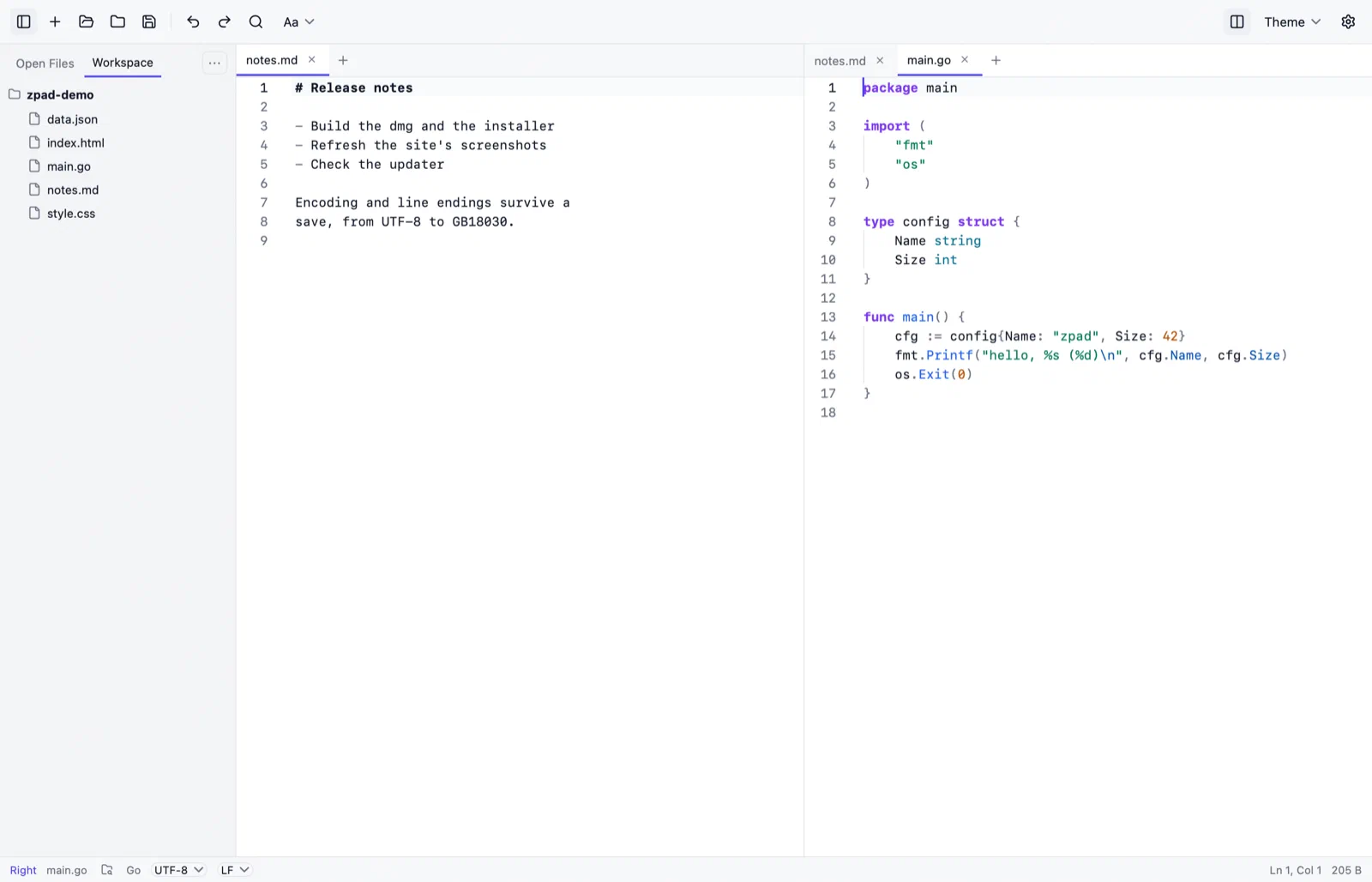
    Follows the system, or switch by hand — window and editor together.

  • Ready out of the box

    No setup wizard, no plugin market. Drop a file in and write.

Also: encodings (UTF-8 / UTF-16 / GB18030), find and replace, session restore.
Screenshots

Questions

Is ZPad free?
Yes. It is open source under AGPL-3.0; the source and every release are on GitHub.
Does it upload my files?
No. It works offline; the only network request is the update check against GitHub.
Any tracking or analytics?
None. The code is fully open source with no tracking and no anonymous usage data. The website only uses Cloudflare’s cookieless visit counts.
Why does macOS or Windows warn about it?
The installers are not signed by Apple or Microsoft, so the system blocks them by default: right-click to open on macOS, or choose More info → Run anyway on Windows. You can check the source, or build it yourself.
Is the updater safe?
Update packages are verified with an Ed25519 signature and a mismatch is never installed. The app must live in a writable folder to update itself.
Which systems are supported?
macOS 12 or later and Windows 10 / 11 (64-bit). Linux is being ported.
Why no plugins, Git or AI?
ZPad is a plain text editor on purpose: fast to start, predictable to use. A heavier IDE fits those jobs better.

Latest release

Every release is written up on GitHub.

All releases
0.3.2
  • 优化:根据操作系统动态调整快捷键提示